# v2.28.448 (Jan 12, 2026)
Improvements
- More consistent app blocking in Focus Mode - Your distracting apps list now matches the default Focus Mode block list.
- Clearer permissions explanation - We updated the text and image to better explain why browser access helps keep distractions away.
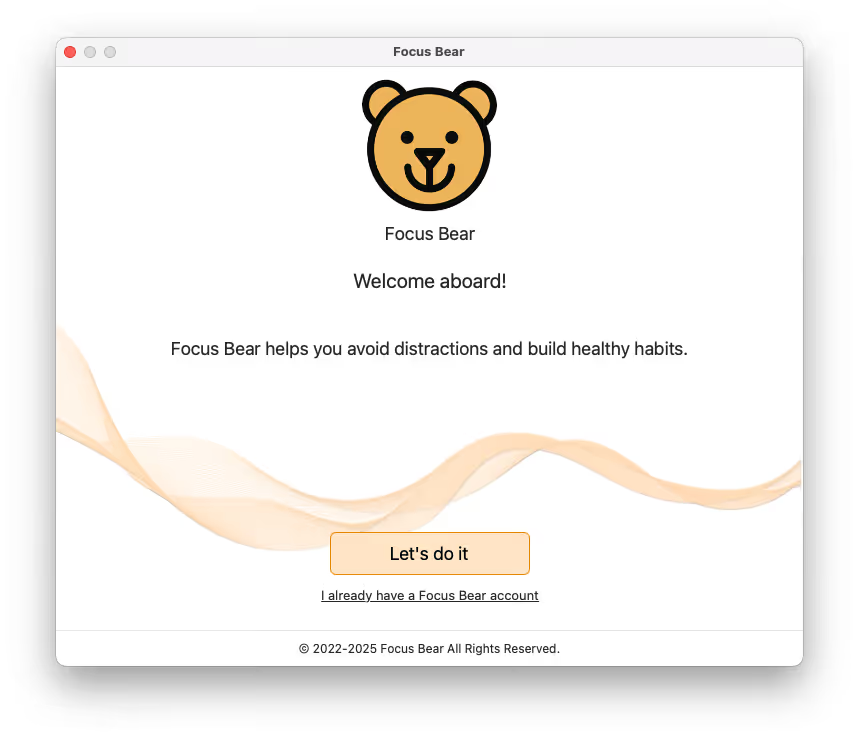
- Updated login and signup screens
- Breaks tab shows the right state - You now see the appropriate view when no break activities are set.
- Clearer messaging during calls - While you are on a call, the Habits view lets you know your morning routine will resume after the call ends.
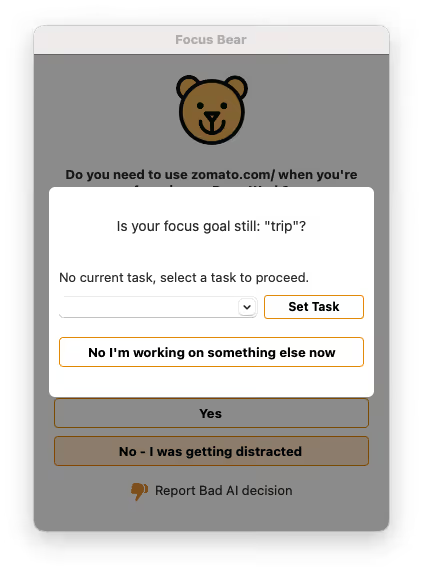
- Quick task entry during focus - You can now add a task quickly during a focus session if none is set.
Bug Fixes
- Fixed blocking schedules so they load correctly.
- Fixed natural break tracking so breaks are counted accurately.
- Fixed the Floating Bear tooltip so it does not appear when the popup is closed.
- Fixed external monitor issues so the app does not act glitchy when you plug in an external display.
- Fixed an issue where the Force Completed Focus screen appeared at the wrong time during the morning routine.
- Fixed Super Distracting Apps so they block immediately at high strictness levels.
- Fixed the “Looks like you’re on a break” popup so it does not keep reappearing after being dismissed.
- Fixed the blocking popup so clicking X returns you to the previous screen without blocking.
- Fixed a crash that happened after postponing.